
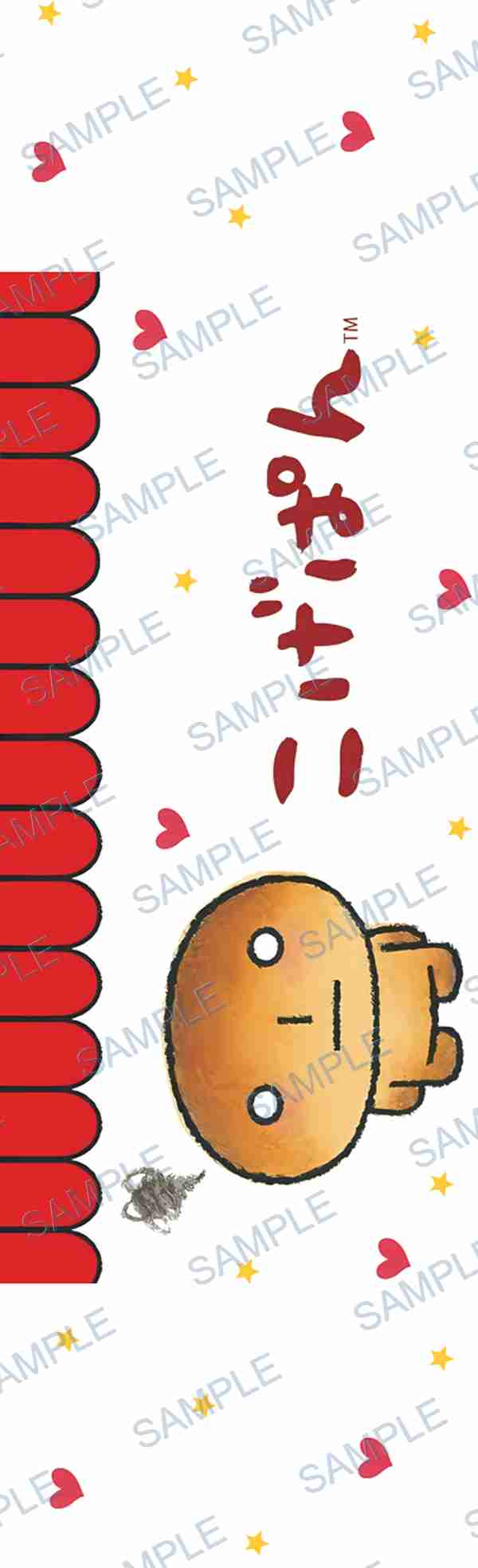
 P-18574
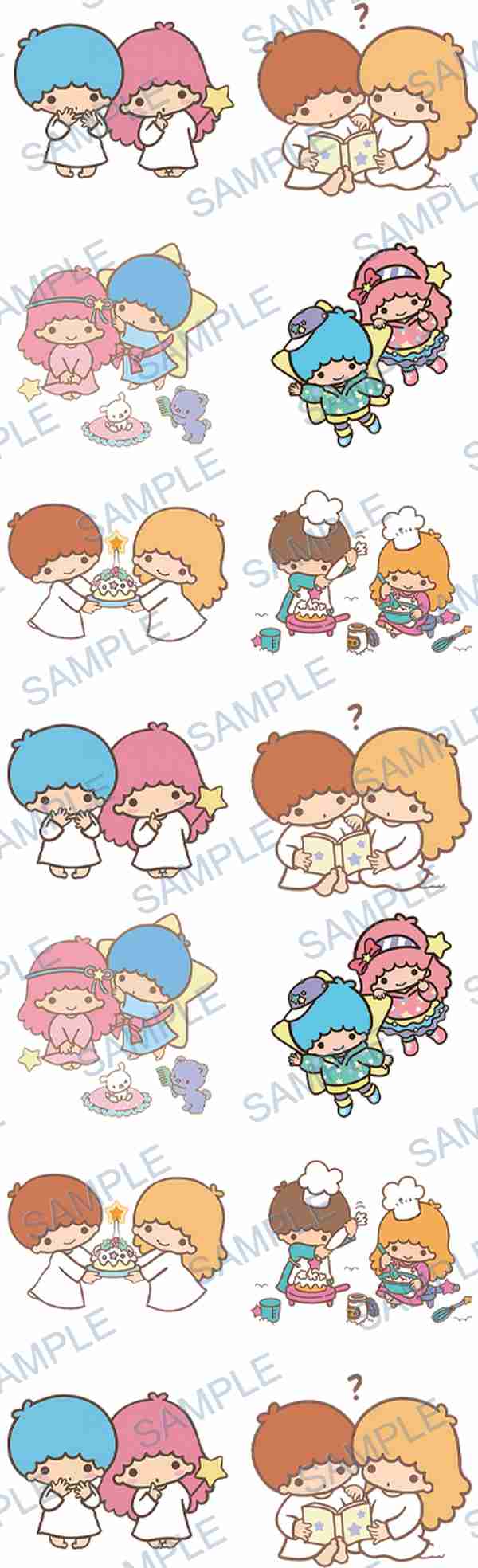 P-18511
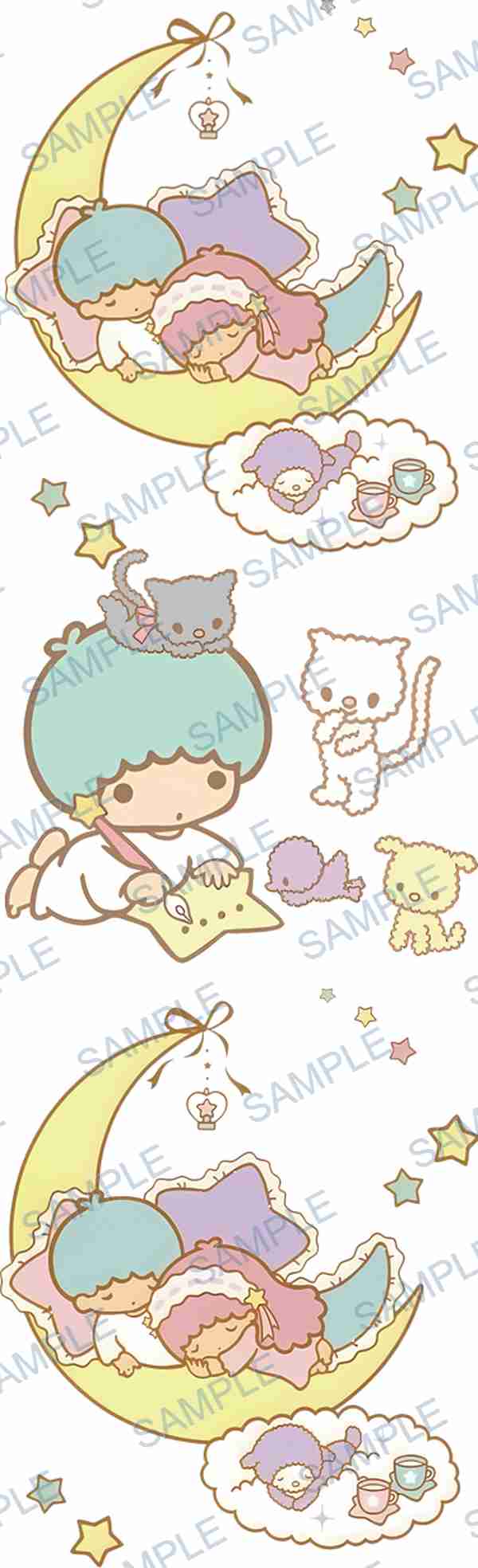 P-18493
From catalogue to order
ARTETRIBE combines a large browsable product and design catalogue with a custom quote and contact workflow. Customers can choose catalogue styles, record design codes and quantities, or provide their own image for customization. For price confirmation, production method changes, sizing, packaging, deadlines, and order placement, customers contact the regional support team from the homepage.
Step 1: Browse the catalogue or prepare your image
Customers can select products and designs from the ARTETRIBE catalogue, record exact design codes and quantities, or send their own image or reference file for customization.
Step 2: Choose product and production method
Tell the regional support team whether the order is for cup wraps, pen wraps, DTF transfers, waterproof decals, acrylic products, or another item. Include the preferred production method when you know it.
Step 3: Send quantity and requirements
Quantity affects price, production planning, and delivery timing. Customers should also mention size, deadline, packaging needs, and any customization notes.
Step 4: Confirm quote and place the order
After receiving the image, quantity, product type, and production method, ARTETRIBE quotes the order. Once the customer confirms and places the order, production is arranged.
Selected design codes
Theme-matched examples from the ARTETRIBE catalogue.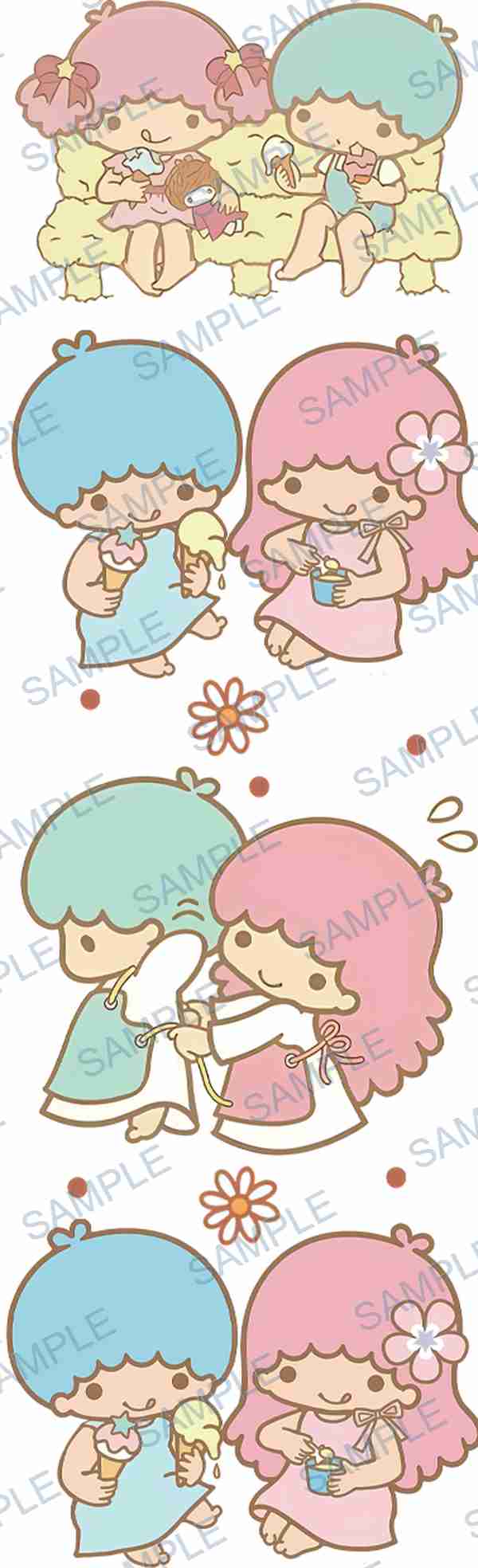 P-18490
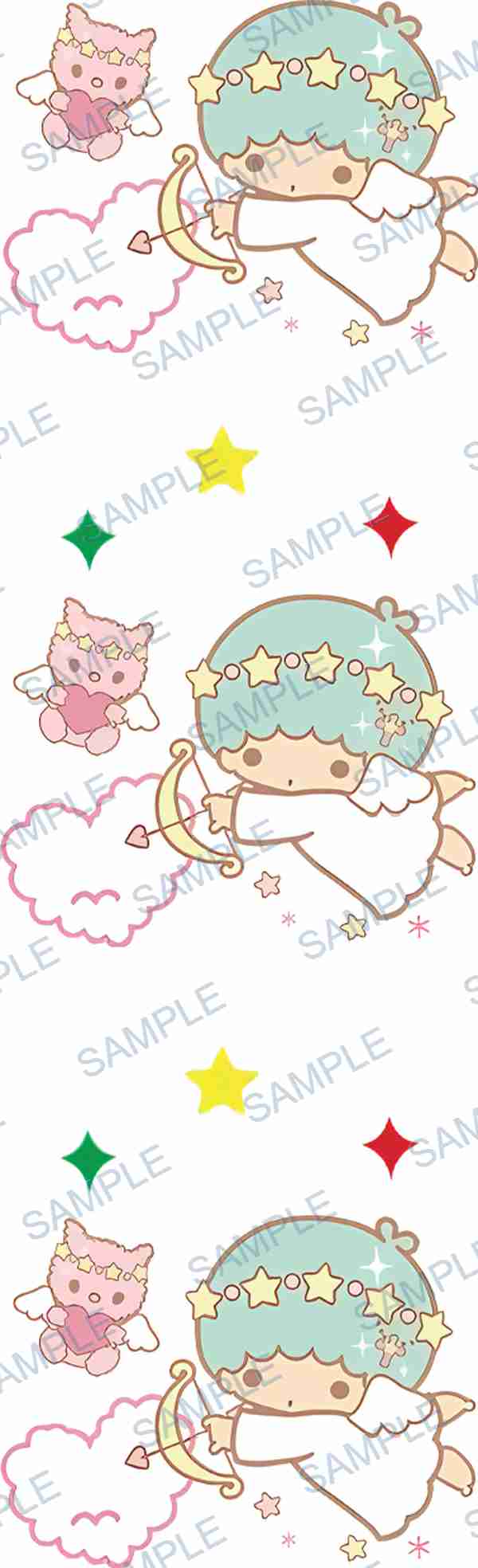 P-18458
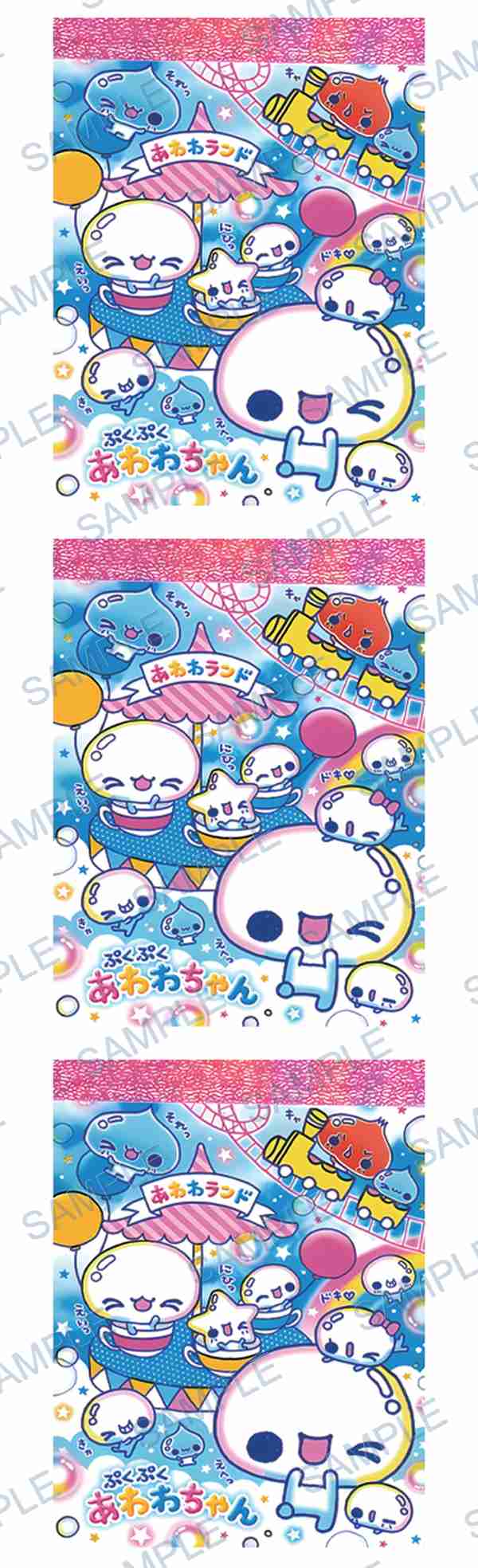 P-18416
From catalogue to order
Step 1: Browse the catalogue or prepare your image
Customers can select products and designs from the ARTETRIBE catalogue, record exact design codes and quantities, or send their own image or reference file for customization.
Step 2: Choose product and production method
Tell the regional support team whether the order is for cup wraps, pen wraps, DTF transfers, waterproof decals, acrylic products, or another item. Include the preferred production method when you know it.
Step 3: Send quantity and requirements
Quantity affects price, production planning, and delivery timing. Customers should also mention size, deadline, packaging needs, and any customization notes.
Common questions
What information is needed for a quote?
Send the image or design code, product type, quantity, production method, size or customization notes, and destination region if relevant.
Can customers order from the catalogue without custom artwork?
Yes. Customers can browse the catalogue, record design codes and quantities, then contact regional support to confirm price, production method, and order details.
Can customers provide their own image?
Yes. Customers can provide their own image for customization or choose catalogue design codes before contacting regional support.